
Make room for what’s next.
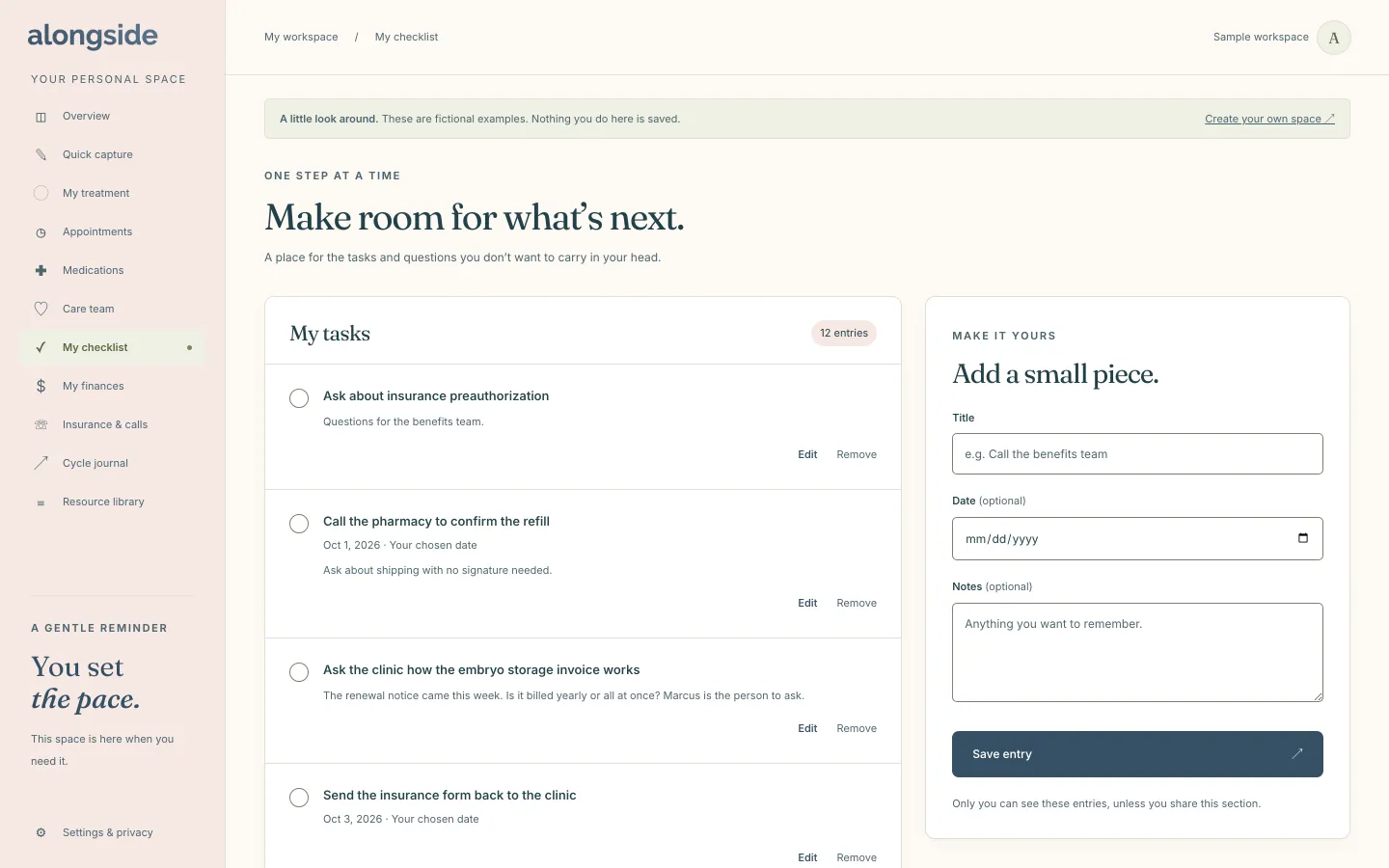
My checklist is a plain list for the tasks and questions you would rather write down than hold in your head. Each task has a title, an optional date and optional notes, and nothing more. It is deliberately simple, for the days when a full project tool would be too much.
Free to use. No account needed to explore the sample.
How My checklist works
- Add a task with a title, and give it a date and notes only if you want to.
- Tap the circle beside a task to mark it done, and tap again if you change your mind.
- Edit or remove a task at any time.
- Press “Add planning essentials” to start from a few common tasks instead of a blank page.
- Follow-ups you wrote on an appointment, and tasks you accept in Quick capture, land here too.
Why it helps
Nothing to configure.
A title is all a task needs, so adding one takes seconds.
Start from a few essentials.
One button adds a small set of planning tasks you can edit or remove.
Follow-ups collect here.
Tasks from your appointments and from Quick capture land on the same list.
No pressure.
Dates are optional, and the page says to only record what feels useful.
Questions about My checklist
Does the checklist remind me when a task is due?
No. Email and SMS reminders are not turned on yet. A date is there to help you plan, and tasks with dates also appear on Today.
Can I share my checklist with my partner?
Yes, if you choose. My checklist is one of the sections you can tick in the invite form, and the person you invite sees it read only.
Is the checklist private?
Yes. Only you can see these entries, unless you share this section.
Keep exploring
-
Today
Today’s doses, the calendar and the next two weeks on one calm page.
-
Appointments
Every visit with its questions, notes and follow-ups in one place.
-
Quick capture
Paste messy clinic notes and check suggested next steps, only if you opt in.